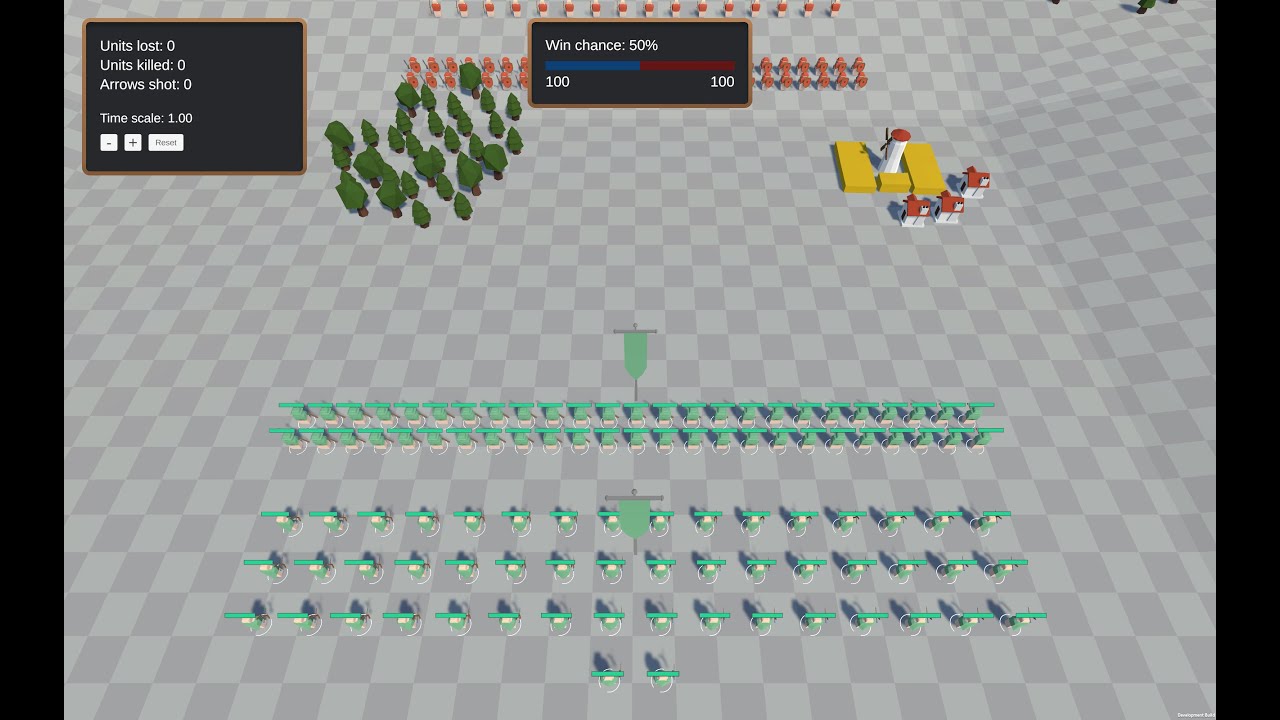
01
STRATEGY CORE FRAMEWORK
Foundation for strategy games: camera, selection, and placement in one package.
- Camera & selection systems
- Building and object placement
- Modular architecture
Game development · Unity
Unity Asset Store packages and demos—camera and selection systems, placement, formations, and UI tooling.
Foundation for strategy games: camera, selection, and placement in one package.
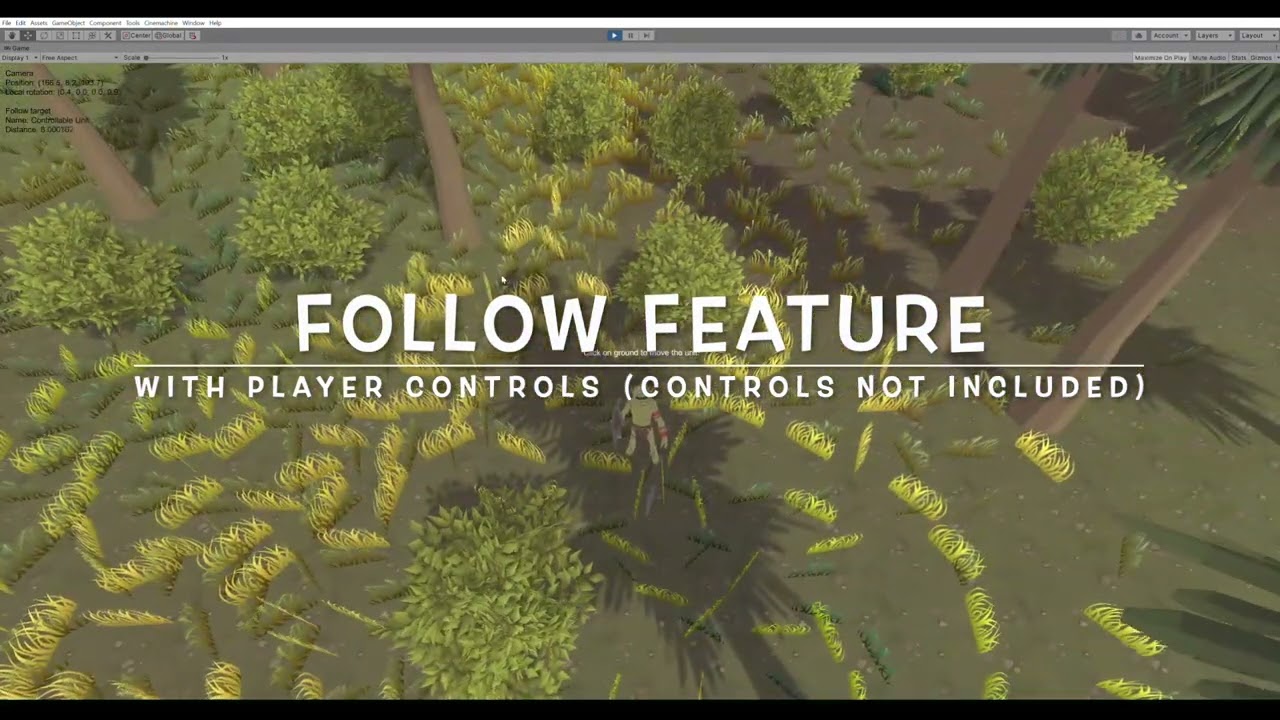
RTS and city-builder camera with edge scrolling and terrain height following.

Grid and free-form placement with validation and ghost previews.

Tactical layouts: circles, boxes, triangles, with spacing controls.
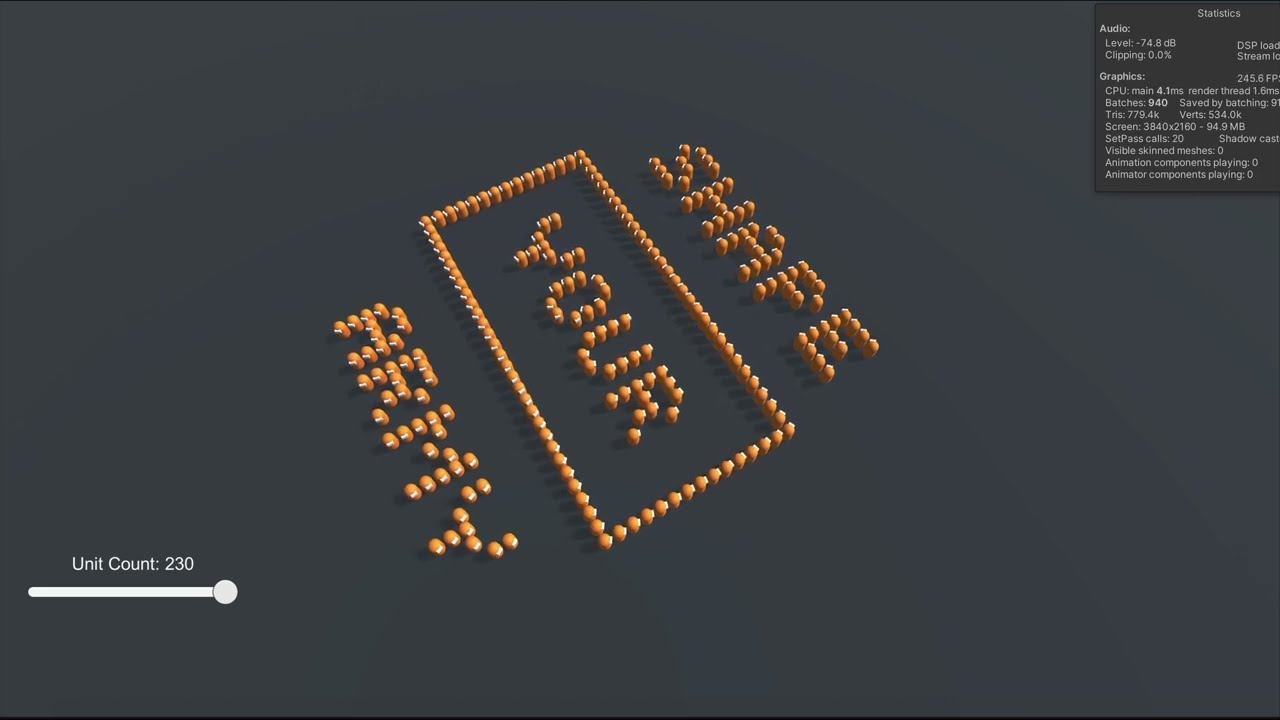
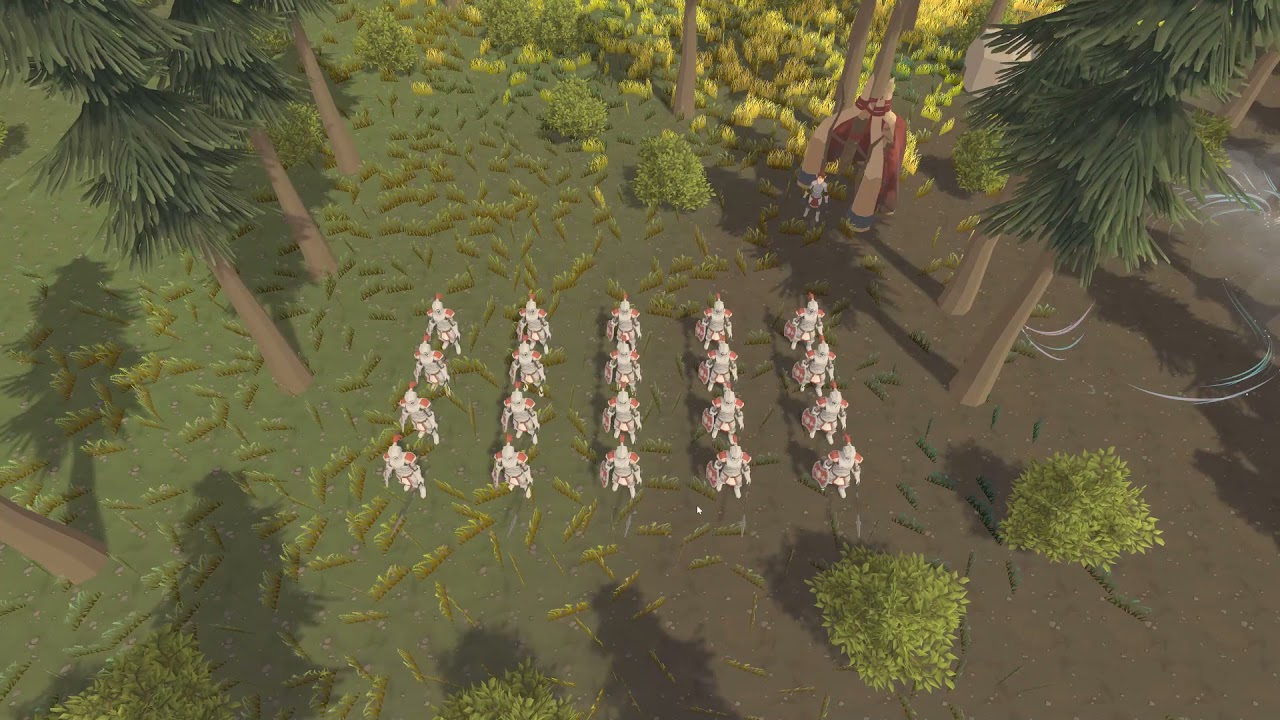
Maintain formations during movement with NavMesh integration.
Marquee and click selection for GameObjects in 2D and 3D.
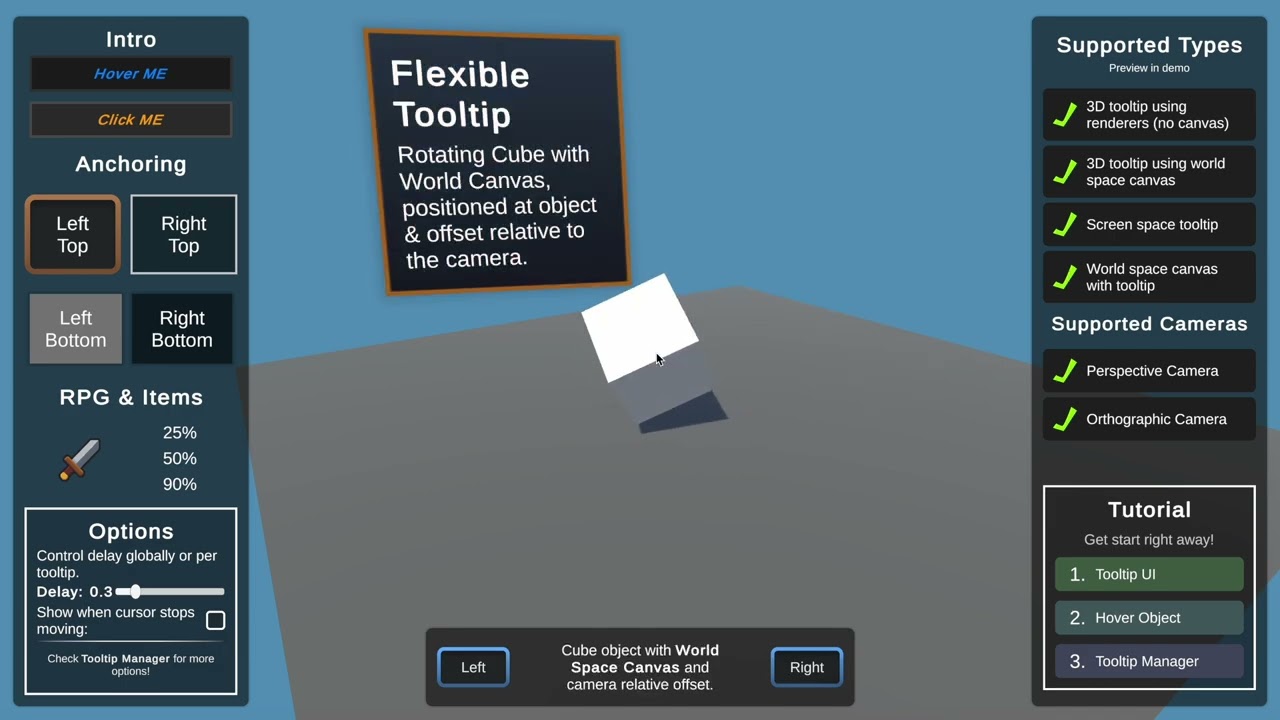
Customizable UI tooltips with responsive layout and rich content.
By far the best Tooltip system! Excellent documentation, ease of use, and scalability.
Great quality asset and super responsive dev. Well-structured code and demo scene; responsive support.
Very well made asset. Good organization and performance options for selection behaviour.
Highly recommended—easy to implement, clean code, works as expected.